
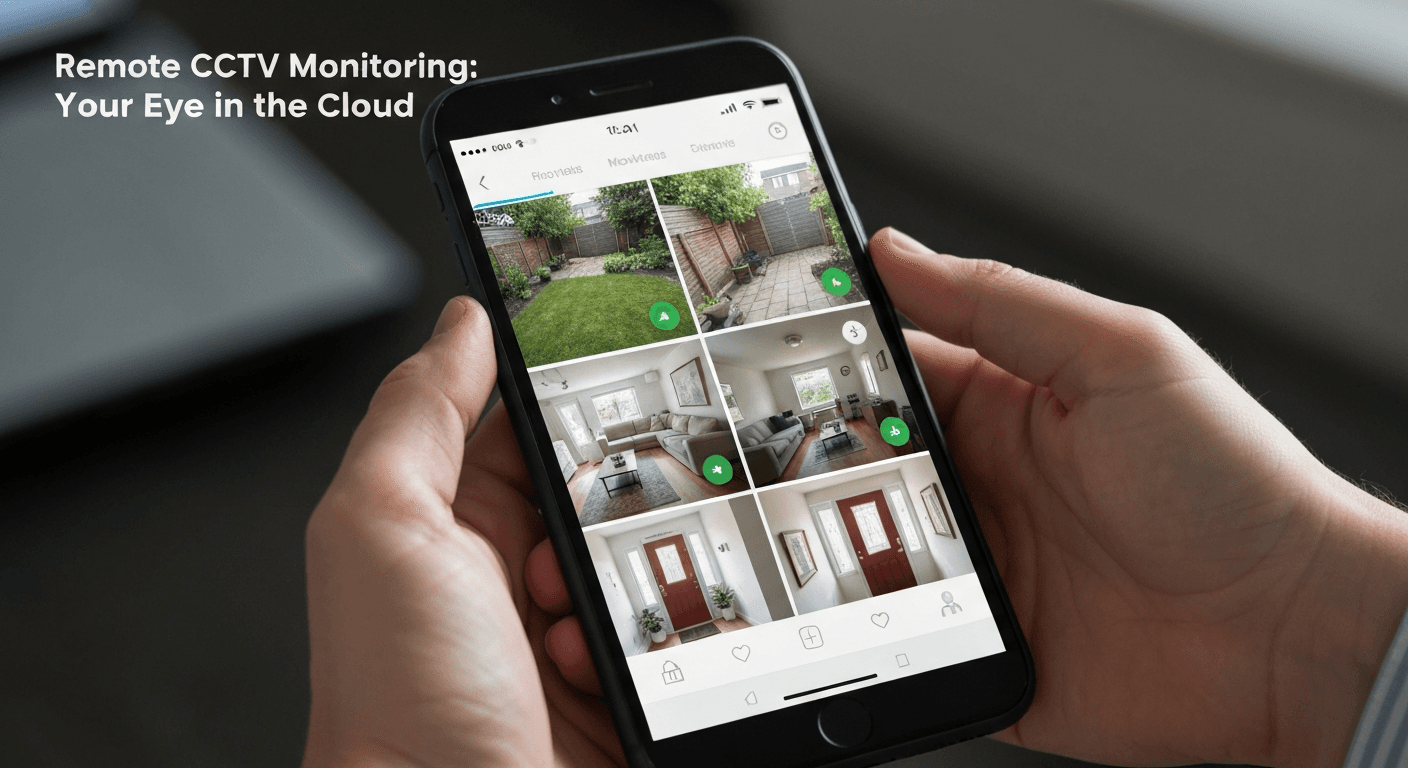
How to Watch Your CCTV Cameras from Your Phone — A Step-by-Step Guide
Let me tell you something — the number one question I get after every CCTV installation is: "How do I see my cameras on my phone?" And honestly, it is the best part of the whole system. You spent good money on security cameras, so you should be able to check on your home, shop, or warehouse from anywhere, whether you are at work, on vacation, or just sitting in traffic on the autostrad. The good news is that with apps like Hik-Connect for Hikvision systems and DMSS for Dahua systems, setting up remote viewing has become very simple — scan a QR code, create an account, and you are watching live in under 5 minutes. But here is where it gets real for us in Lebanon: your internet upload speed matters more than your download speed. With typical Ogero DSL giving you 1-3 Mbps upload, you can comfortably stream 2-4 cameras on sub-stream quality, which is perfectly fine for checking in on your phone. I walk every single customer through this setup for free after installation, because what good is a camera system if you cannot access it when you actually need it? In this guide, I will show you the exact steps, the common problems (like double NAT and router firewall issues), and the practical tricks we use to make remote viewing work reliably on Lebanese internet.